 Code Canvas
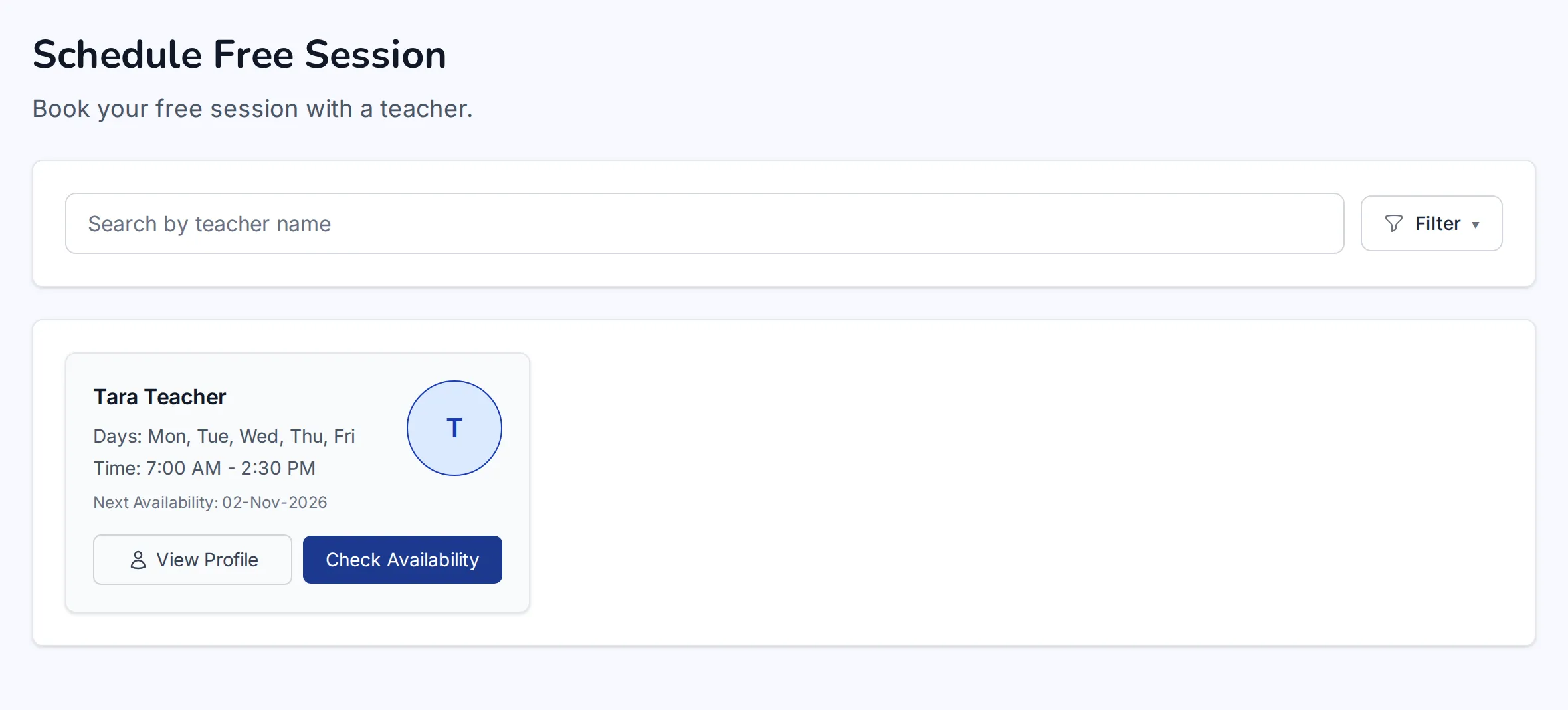
Start with a free session
New students book a free session first. Their level is set from it, so every lesson after fits.
An online English school, built from the first free lesson to the hundredth booked one. Students book a free session and keep a weekly momentum with their own teacher. Teachers run their week from one place, from setting weekly schedules to uploading lesson materials and communicating with students.
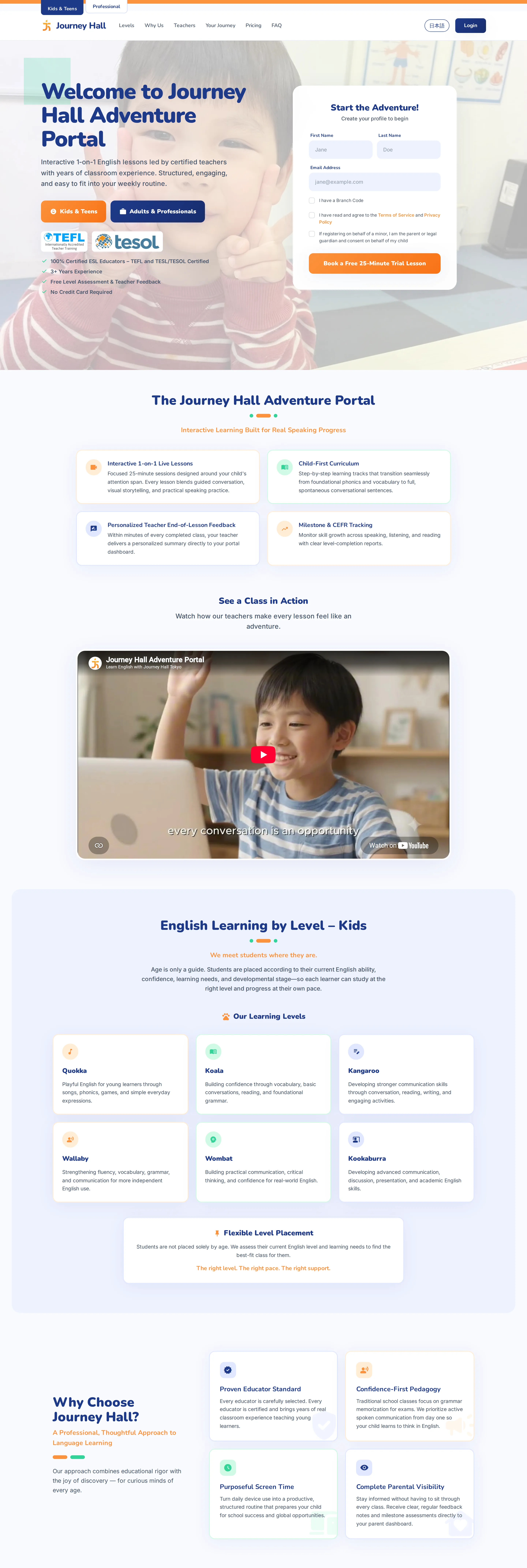
The school needed a single platform where a new student could go from curious to booked without any back-and-forth by email, and where teachers could see and manage their whole week, including their schedule, their students and their lessons, in one place.
A public website, a student portal and a teacher portal on one system. Students book a free session, choose a plan with online checkout, keep a recurring weekly lesson with their own teacher, and find their study materials and messages in one place. Teachers set their weekly availability, manage their students and sessions, upload their own lesson materials and message students directly.
The parts that make it run, from the student's first session to the teacher's week.
New students book a free session first. Their level is set from it, so every lesson after fits.
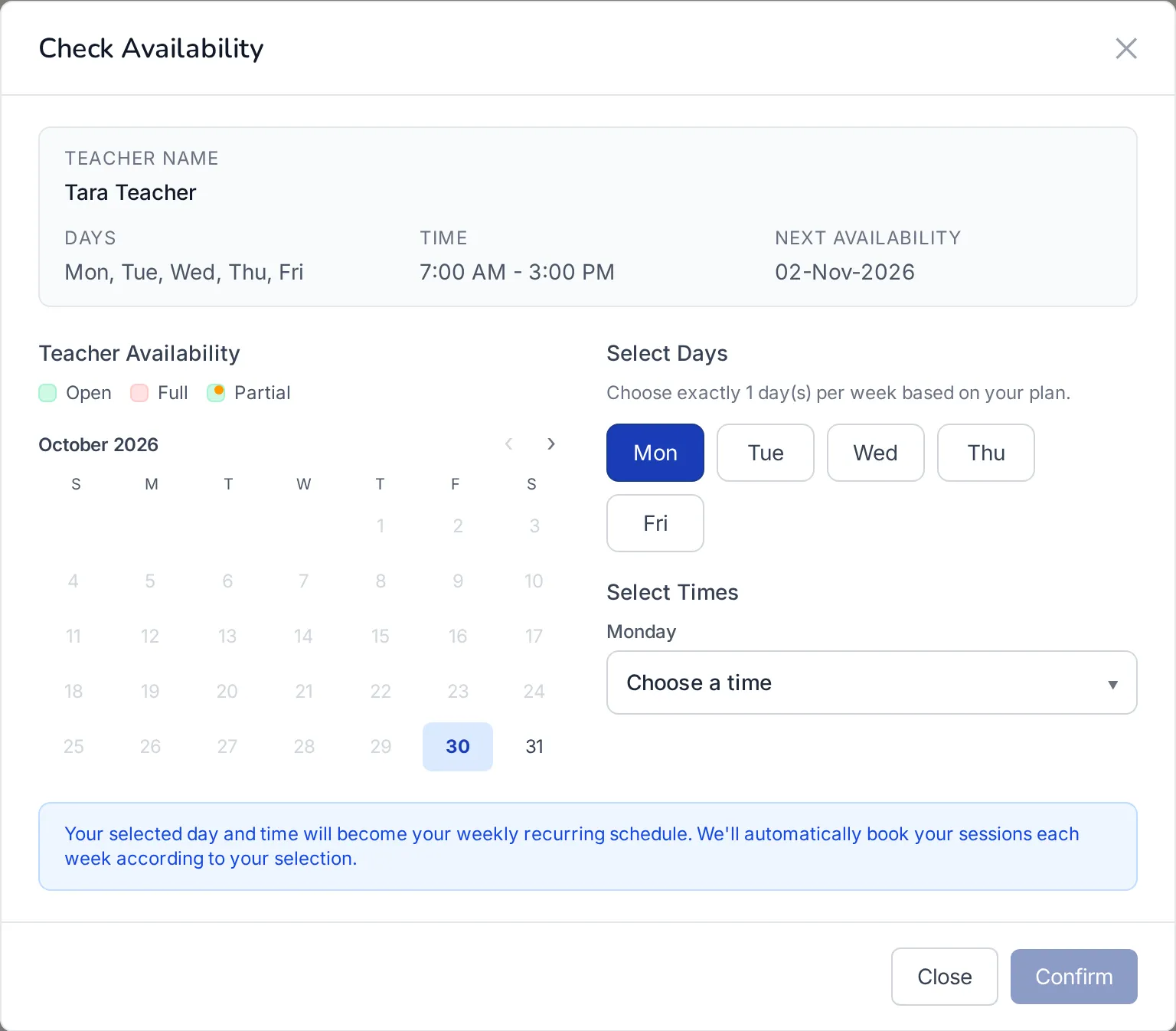
Pick a teacher and a weekly time once.
Under the hood: slots are claimed one at a time, so two students can never land on the same hour.
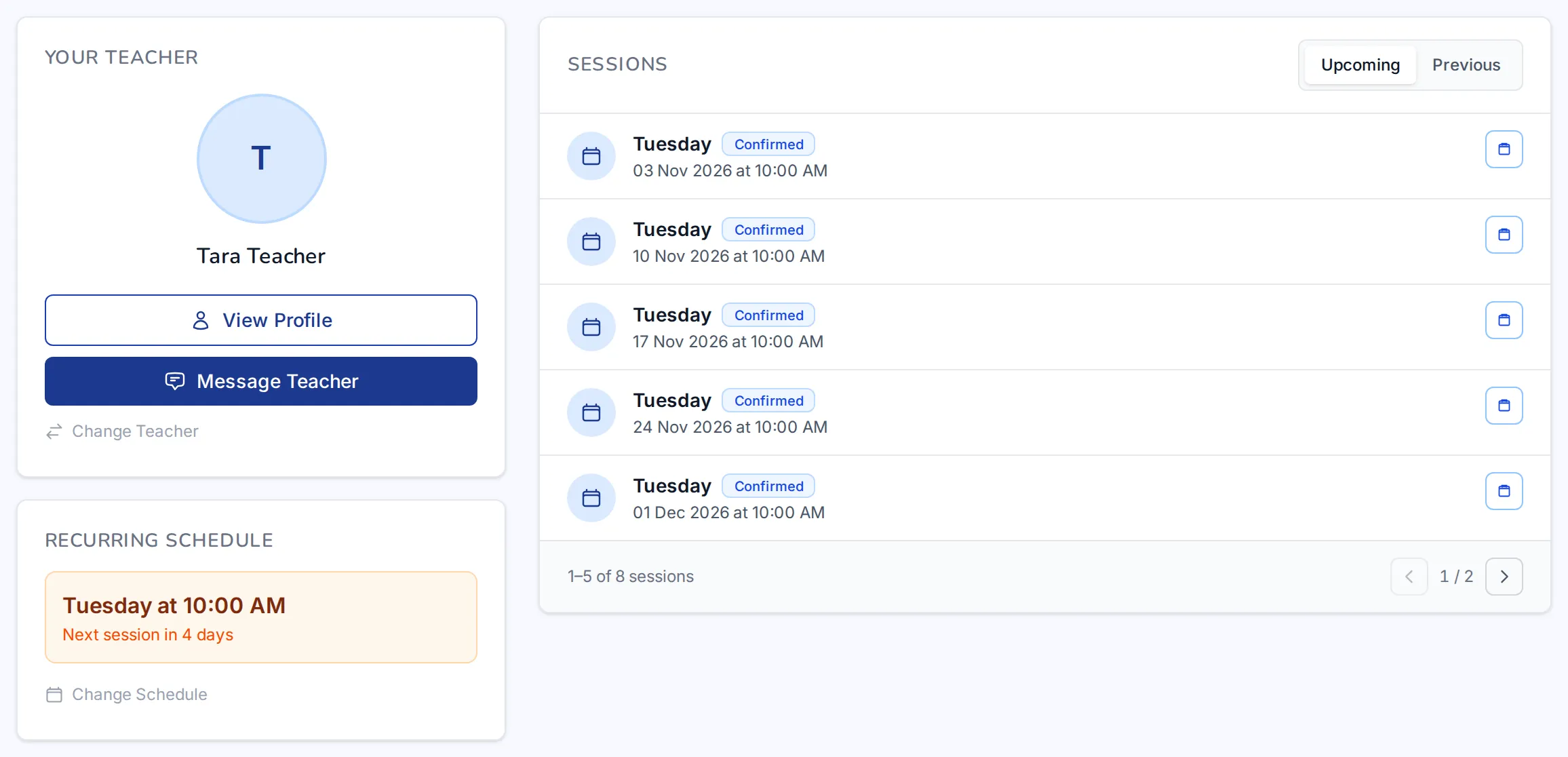
Upcoming lessons are already on the calendar. Students can change their schedule or ask to reschedule one lesson without leaving the page.
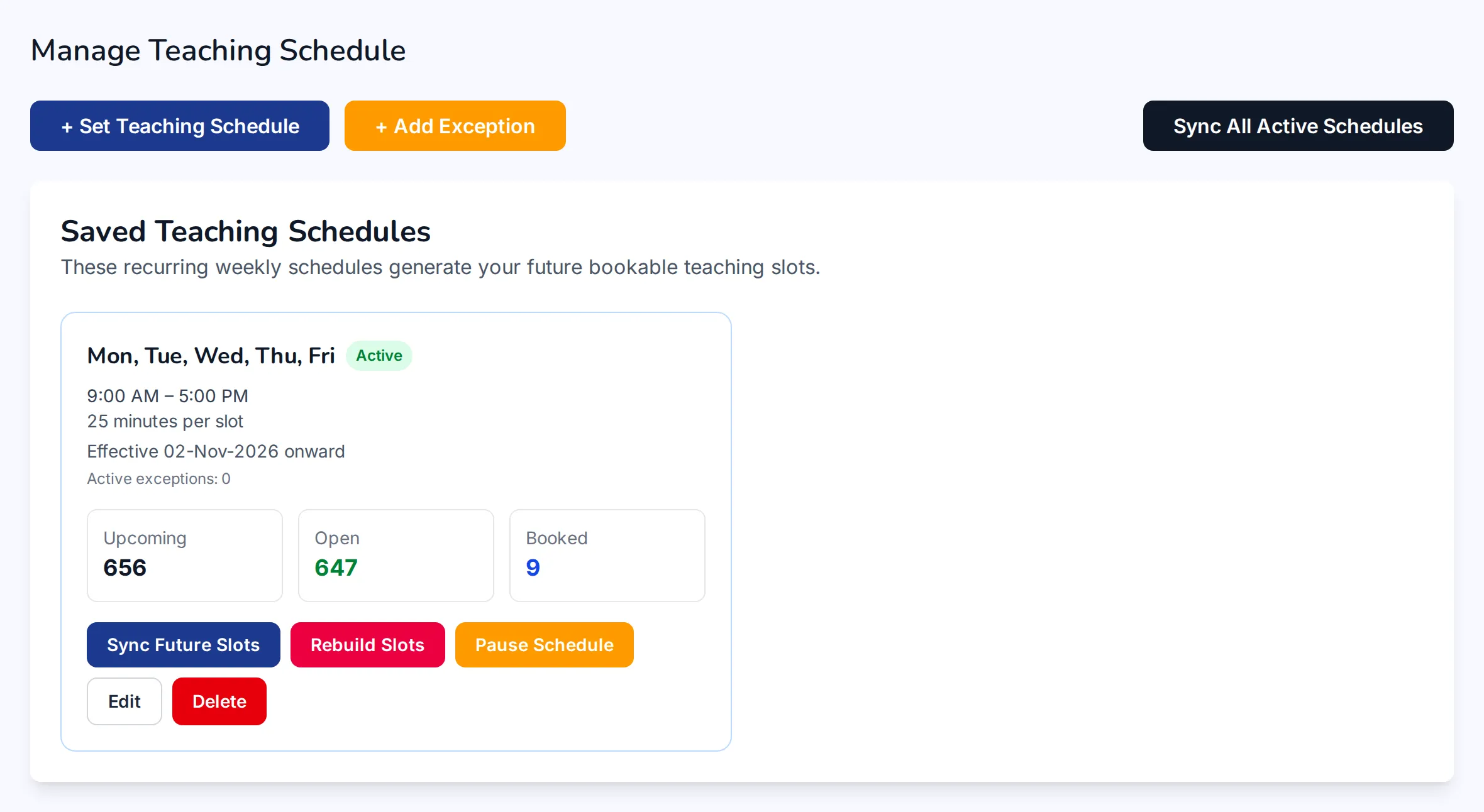
Teachers set their regular week once, then add days off or extra hours as life happens.
Under the hood: edits never move a lesson that's already booked.


Each person sees the lesson in their own timezone, and it stays put when someone moves or travels.
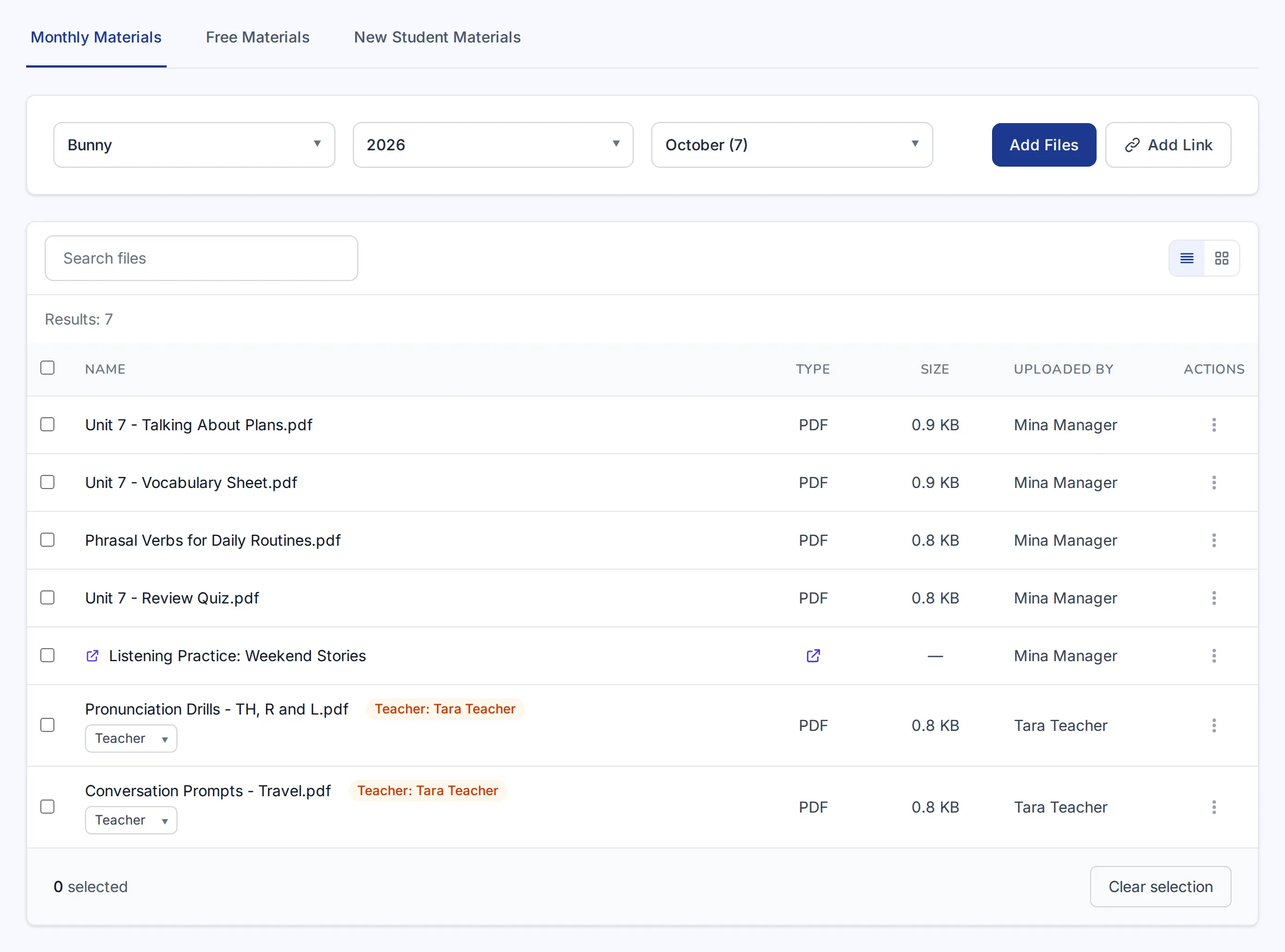
Teachers upload a file or a link for a level and month, and it appears in their students' materials.
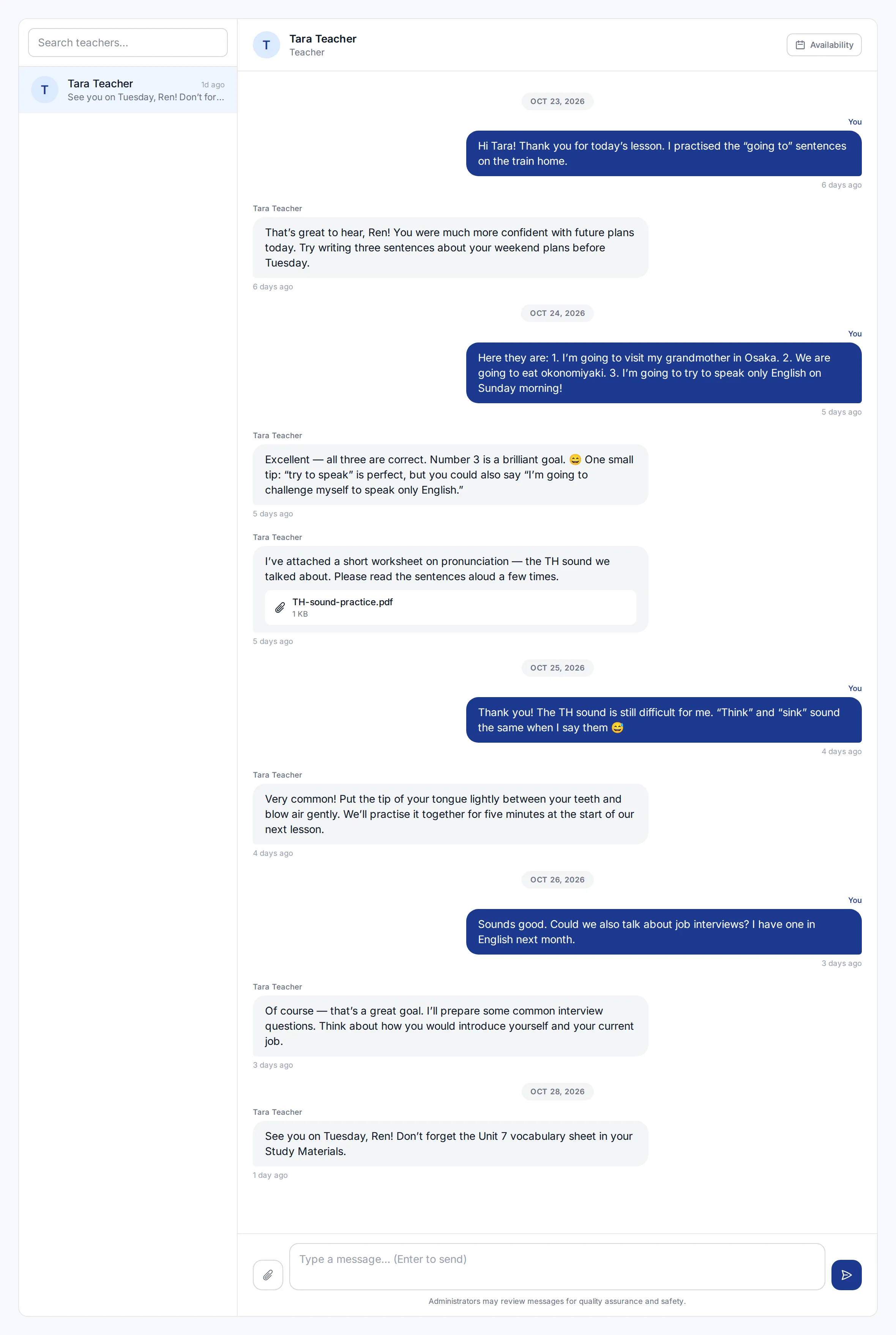
Teachers and students message each other inside the platform, attachments included.